

Close Menu
    Facebook X (Twitter) Instagram
    • About
    • Privacy Policy
    • Write For Us
    • Newsletter
    • Contact
    Instagram
    About ChromebooksAbout Chromebooks
    • Linux
    • News
      • Stats
      • Reviews
    • AI
    • How to
      • DevOps
      • IP Address
    • Apps
    • Business
    • Q&A
      • Opinion
    • Gaming
      • Google Games
    • Blog
    • Podcast
    • Contact
    About ChromebooksAbout Chromebooks
    News

    Did you miss the new Lenovo Chromebook Flex 5 at CES 2020?

    Kevin TofelBy Kevin TofelJanuary 7, 2020Updated:September 19, 2025No Comments2 Mins Read

    With all of the hype about the Lenovo IdeaPad Duet Chromebook yesterday, it was easy to overlook a new 2-in-1 from the same company: the Lenovo Chromebook Flex 5, which starts at $360 when it launches in June.
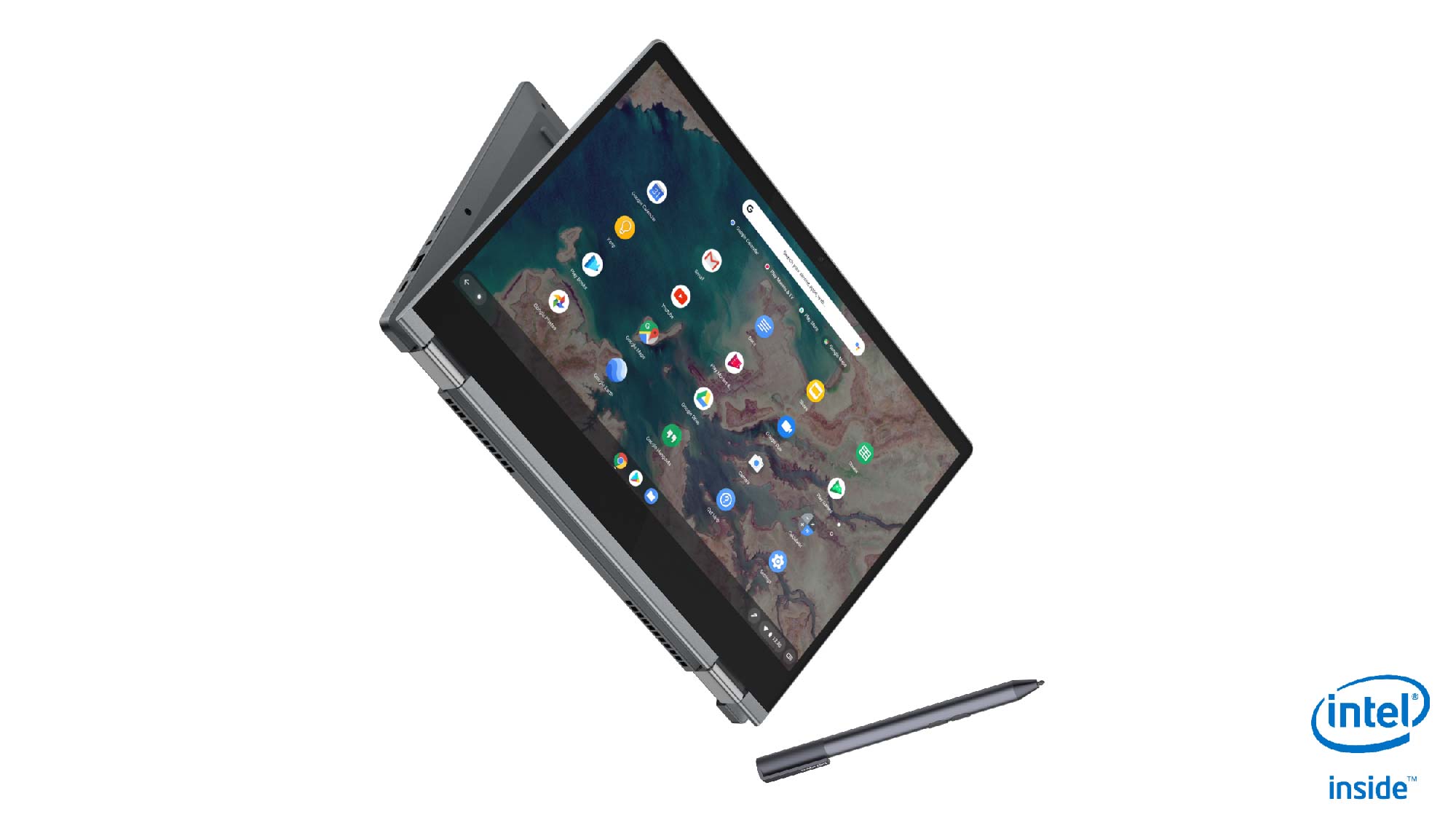
    This is a 13.3-inch 1080p convertible with an included pressure-sensitive stylus that can be configured with up to a 10th-gen Intel Core i5 processor. Given that the base model comes with 32 GB of storage, I suspect the chip powering that configuration is either a Celeron or a Pentium but I’ll swing by Lenovo’s CES booth to find out.

    Aside from the stylus support, a first for Lenovo’s Chromebooks, the company says this is also the first 13-inch Chromebook with “intelligent built-in user-facing dual stereo speakers”. It will be difficult to test the sound quality on the show floor, but I like the speaker placement alongside the keyboard.
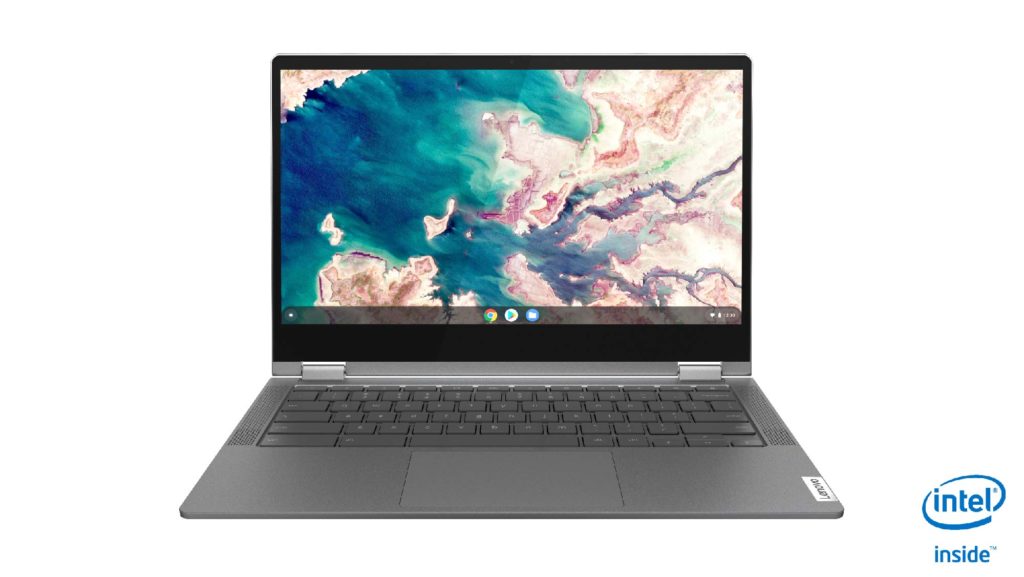
    Here’s a rundown on the specs as provided by Lenovo:

    CPUUp to 10th-Gen Intel Core i5
    GPUIntel Integrated Graphics
    Display13.3-inch 1920 x 1080 IPS
    touchscreen, 300 nits
    Memory4 GB / 8 GB DDR4
    Storage32GB / 64GB eMMC or
    128GB SSD, microSD slot for expansion
    ConnectivityWiFi 6 (Note: No mention of Bluetooth
    but I suspect it’s there)
    InputWater-resistant, backlit keyboard, multitouch
    trackpad, 720p webcam
    PortsTwo USB Type-C (3.1), one USB Type-A (3.1),
    headphone jack
    BatteryClaimed run-time of up to 10 hours
    Weight2.97 pounds
    SoftwareChrome OS automatic software update
    expiration: TBD

    The chassis is plastic while the top lid is aluminum. Considering that and a $360 starting price, this is an entry-level to mid-range device although with options you can certainly make it more powerful. I like the fact that if you want more and faster local storage, a true SSD option will be available.

    Kevin Tofel
    • Website

    After spending 15 years in IT at Fortune 100 companies, Kevin turned a hobby into a career and began covering mobile technology in 2003. He writes daily on the industry and has co-hosted the weekly MobileTechRoundup podcast since 2006. His writing has appeared in print (The New York Times, PC Magazine and PC World) and he has been featured on NBC News in Philadelphia.

    Best of AI

    What Does Adobe Firefly AI Do?

    June 16, 2026

    Is Joyland AI Safe For Kids?

    June 12, 2026

    LMArena AI: Chatbot Ranking Platform 2026

    May 27, 2026

    Will AI Take Over the World

    May 25, 2026

    AI21 Jurassic Statistics 2026: Model Size, Usage and AI Performance Trends

    May 19, 2026
    Trending Stats

    Chromebook Storage Usage Statistics 2026: Device Storage Consumption Trends

    June 18, 2026

    Conversational AI Market Statistics 2026: Chatbot Usage And Enterprise Deployment

    June 17, 2026

    Chromebook Gaming Usage Statistics 2026: Player Engagement And Usage Reports

    June 17, 2026

    Chromebook Battery Degradation Statistics 2026: Lifecycle Performance Testing Data

    June 15, 2026

    Chromebook Touchscreen vs Non-Touchscreen Usage Statistics 2026: Device Interaction and Form Factor Data

    June 11, 2026
    • About
    • Tech Guest Post
    • Contact
    • Privacy Policy
    • Sitemap
    © 2026 About Chrome Books. All rights reserved.

    Type above and press Enter to search. Press Esc to cancel.